
Star Wars: Squadrons - Geo 11 fix & update
Fix by by DHR & jplisle
(updated to last EA/Steam version by july, 20025 for Geo11 6.182 by Rubini)
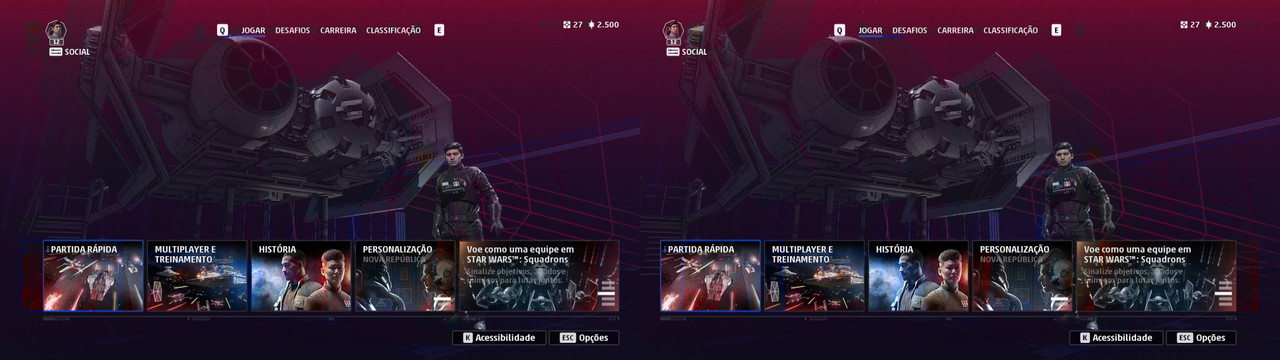
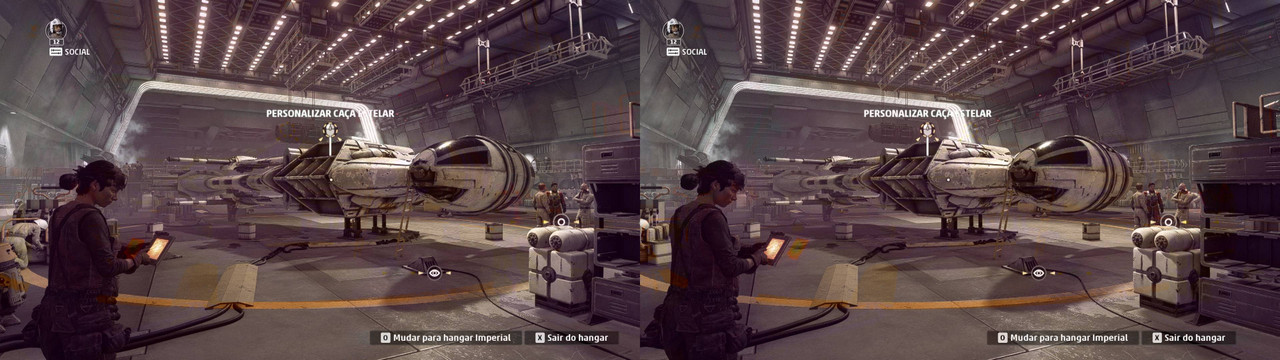
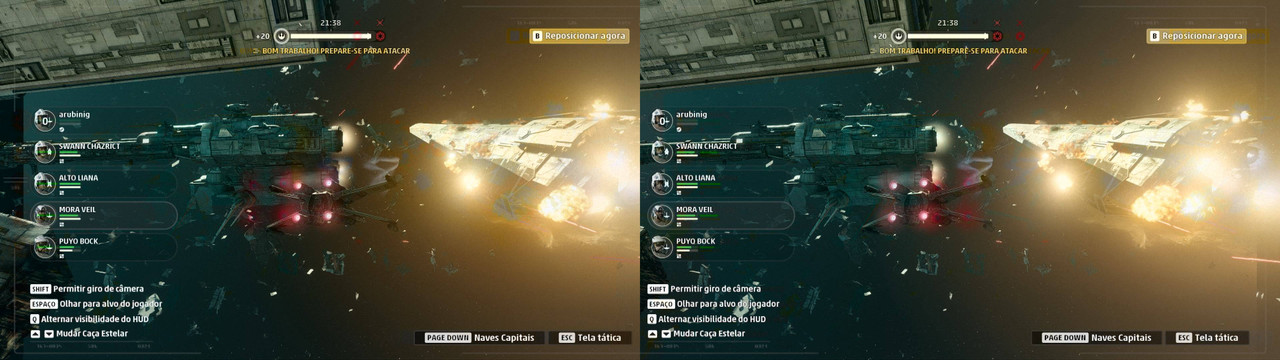
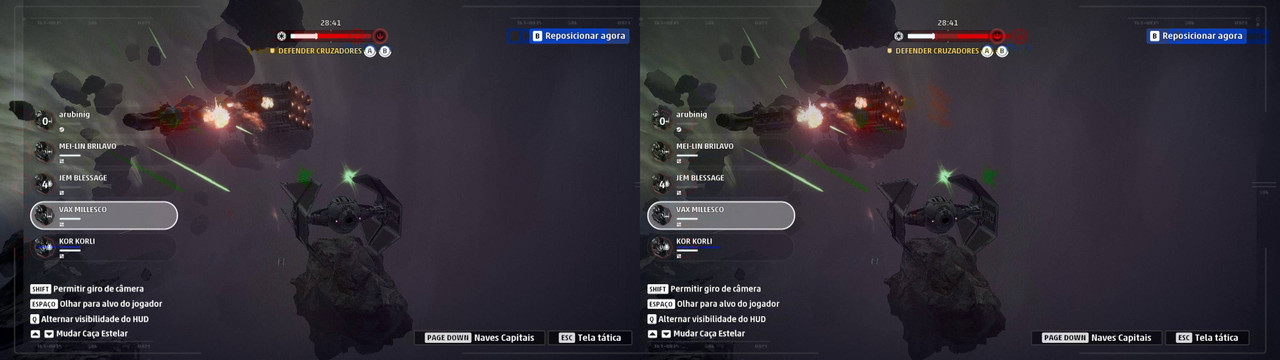
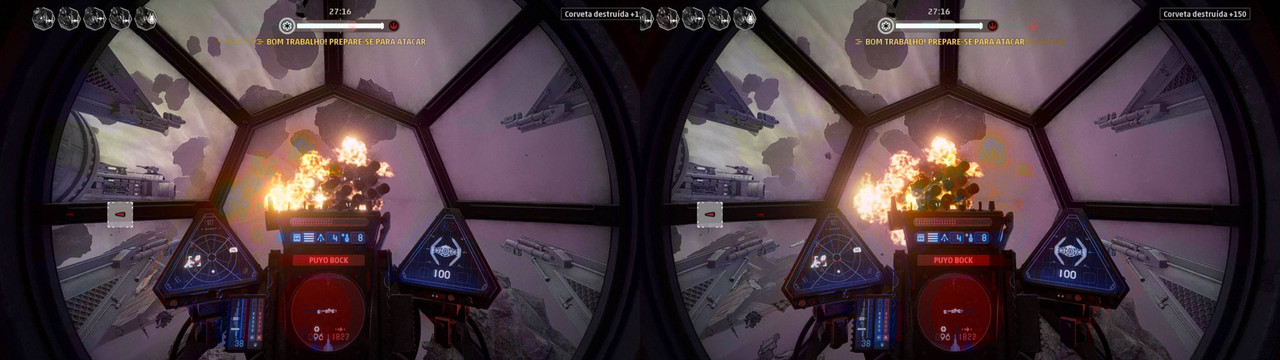
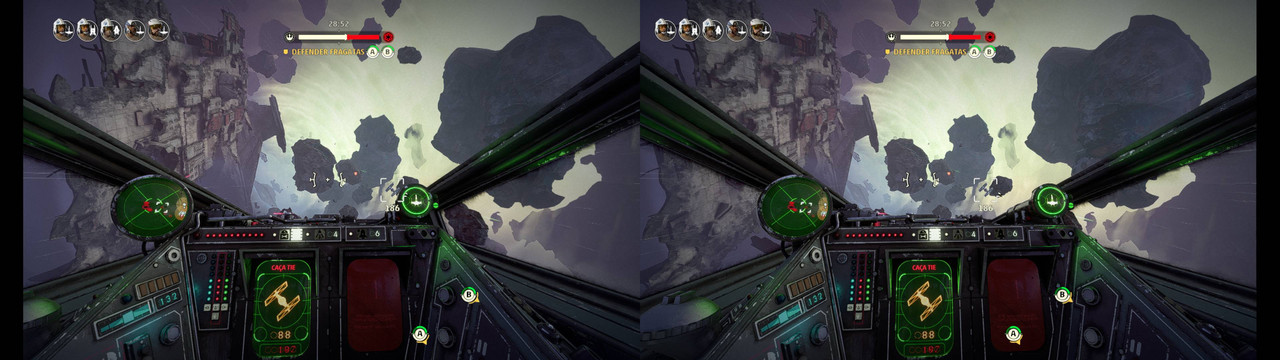
Star Wars: Squadrons is focused on MP space battles (and its all about cockpit), but have also a good solo campaign, solo x AI and coop batlles that can worth your time. After some years and updates, the old fix here in HelixMod is not working anymore. I updated it for the last game version and Geo 11, added also some new goddies.
My specs/tested on:
Win 10 Pro build 19045 nvidia driver 576.02
Passive monitor at 1920x1080, gtx 2080
direct_mode: interlaced
MTBS discussion: https://www.mtbs3d.com/phpbb/posting.php?mode=edit&p=329552
Fixed and workarounds:
- Geo11 version working ok!
- some menu position and icons
- menu, cutscenes, hangar and cockpit convergence/separation are now automatized by shaderoverride
- now correctly working with DHR Frostbite universal fix
Hoteys:
- "F12" on screen (OSD) help at anytime. Press again to close
- "F5" shows FPS
- "Shift F6" shows depth&convergence
- "5" cycle 3 possible (cockpit only) convergence (0.25, 0.35, 0.45) - 0.45 is default
- "6" cycle 3 possible (cockpit only) separation (50, 60, 70) - 70 is default
- "7" cycle 2 possible (cockpit only) frustum (side black bars): with (default) and whithout side black bars*
* This is a shader by masterotaku; note that when using "no side black bars" you have also a small overall zoom. I like it very much, the game is better this way IMHO.
Notes:
- Because of EasyAntiCheat, you need to launch Steam first and then launch the game using "starwarssquadrons.exe".
- For the same reason, you cannot play online with this fix active.
Installation:
- Extract all files to where starwarssquadrons.exe is.
- Change your monitor type on d3dxdm.ini (direct_mode = interlaced is the default at my end)
- Then launch the game and let it overwrite the profile if needed
Download:
Have fun!
Rubini.
Donate:
If you liked this fix, consider donating to masterotaku and DHR at their Paypal accounts:
masterotakusuko@gmail.com
dhr.donation@gmail.com

Thanks, now finally will able to finish this gem.
ReplyDeleteAwesome work! It's great to have the frostbite games running in Geo-11.
ReplyDeleteIf you want to play multiplayer and don't mind the extra configuration steps, I've also created a VRto3D profile for this game. It only has a static depth&convergence configured though. Changing convergence in this game in VR mode causes black bars.
Thanks mate by the tip. I never tested the VRto3D yet (for any game), but i will!
DeleteThank you very much.
ReplyDelete