
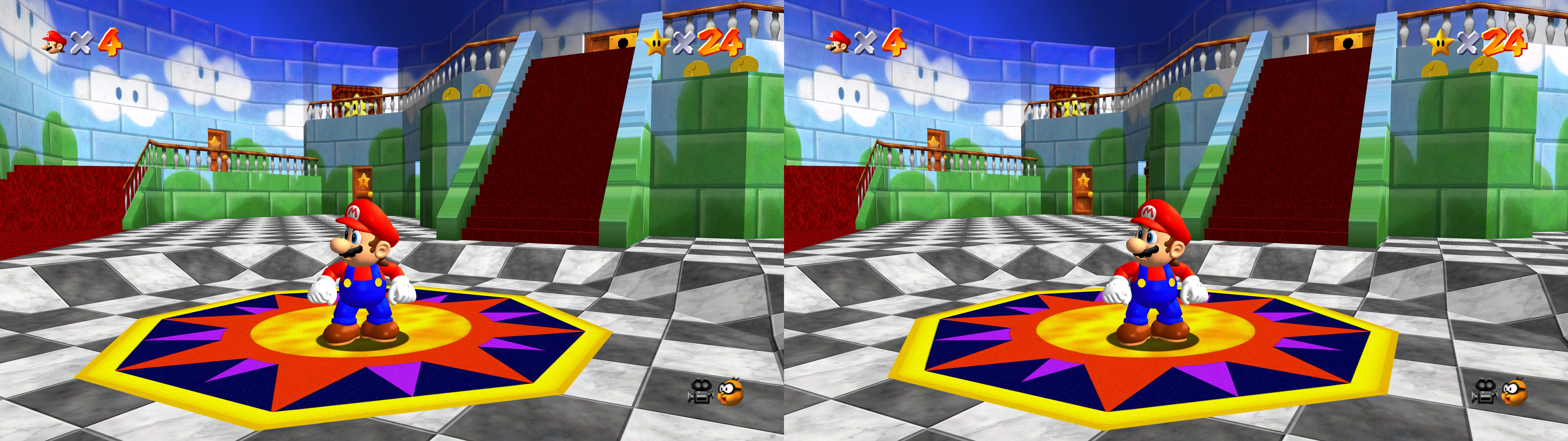
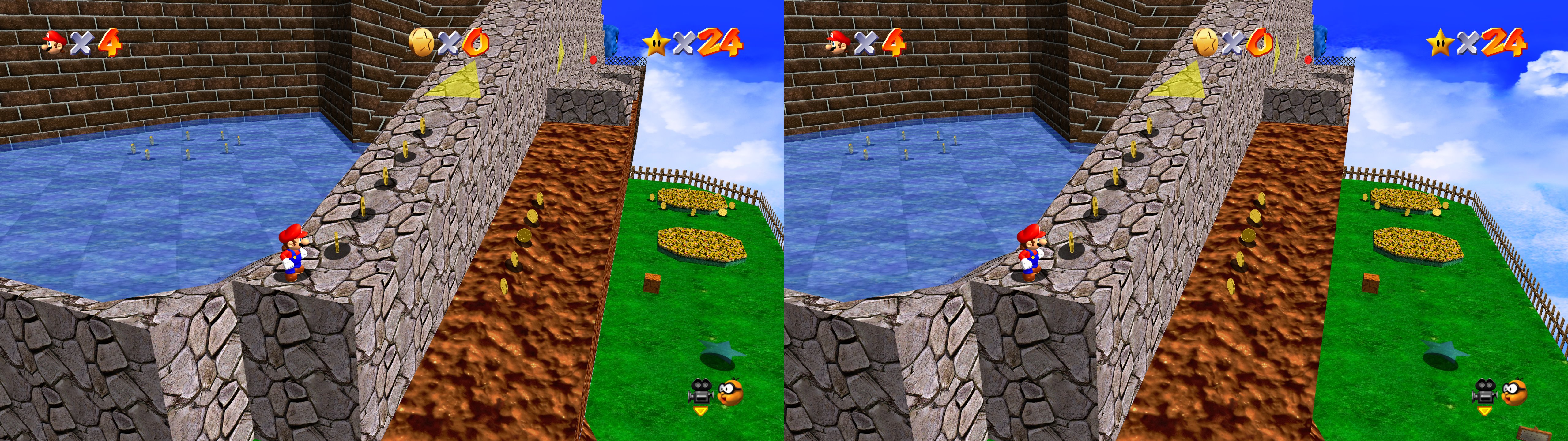
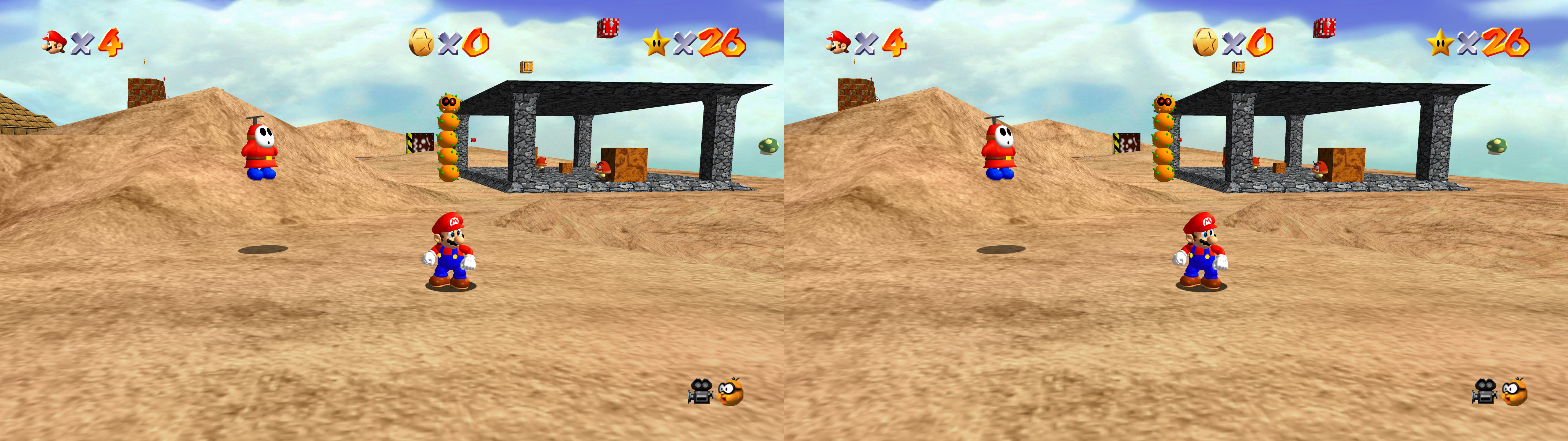
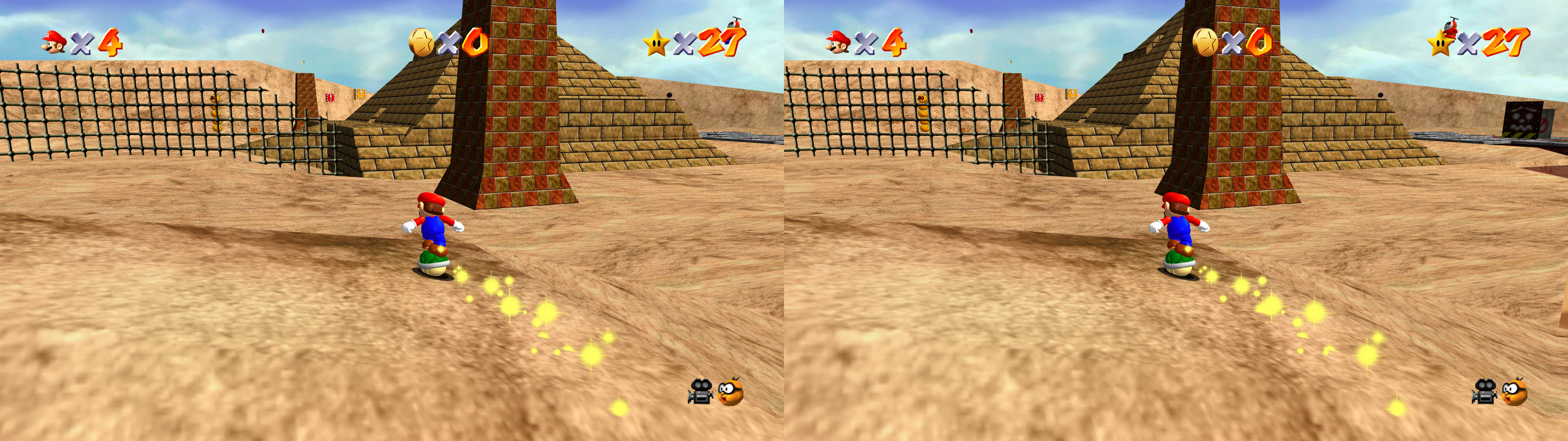
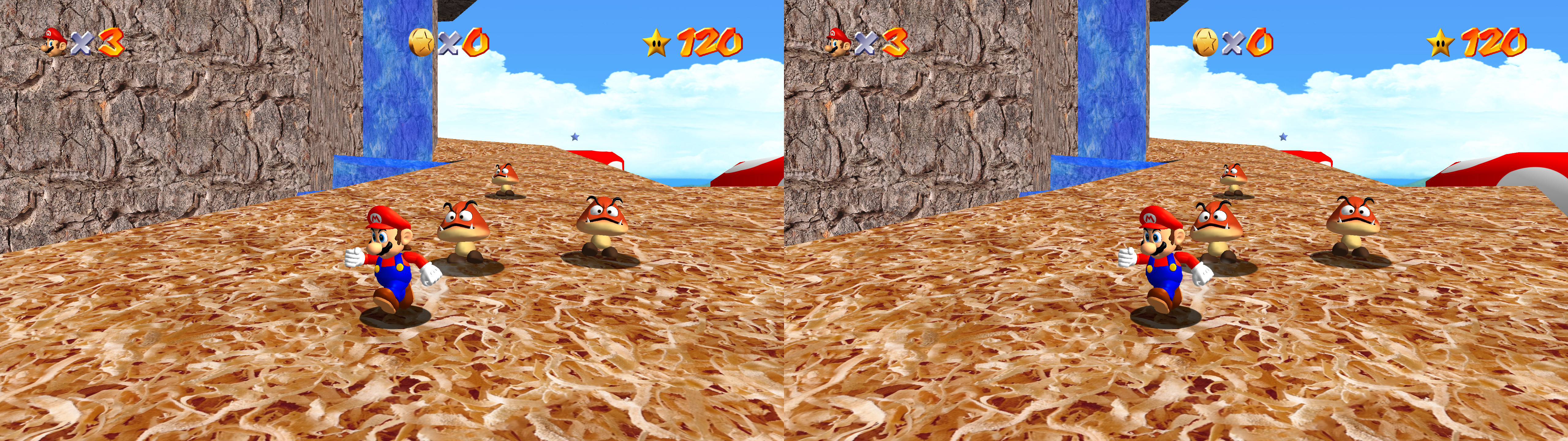
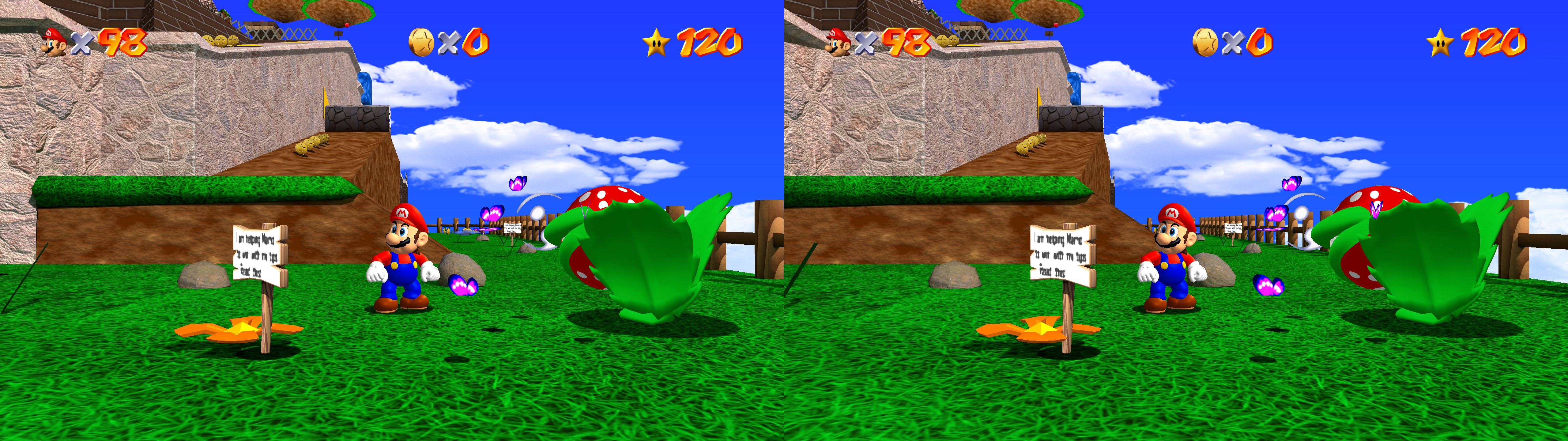
Super Mario 64 PC is more complex to build, it has more geometry mods like character and enemy models, and it's limited to 60fps.
Ghostship is a newer PC port made in a similar way to Ship of Harkinian so it's very easy to get working. It has options for up to 200% internal resolution, MSAA, unlocked fps, and it also works with texture packs, but there are no model modifications at this moment. The fix is compatible with the SM64 Reloaded texture pack.
Update (2026-09-08): updated fix for the Ghostship port because shaders changed with version 3.0.0. Updated geo-11 build to 0.7.10. Enabled custom mouse cursor shader, which needs upscaling = 1 to be visible, so I enabled that.
Update (2026-05-05): added a different geo-11 fix specifically for the Ghostship port, due to some texture conflicts with the other port.
Update (2024-06-01): added geo-11 fix. Skyboxes and cannon crosshairs handled for all texture packs (to this date) that can be selected from sm64pcbuilder2.
Update (2022-03-23): fix updated to add depth to all skyboxes of the newest Render96 HD textures (I only tested the full size).
Fixed
- Stereoized geometry.
- Skybox at full depth.
- Stereoized geometry.
- Skybox at full depth.
- Cannon crosshair at 90% depth.
- HUD depth options.
- HUD depth options.
INFORMATION ABOUT THE "Super Mario 64 PC" PORT HERE
What I used to build the game was this: https://sm64pc.info/sm64pcbuilder2/
Installation
- geo-11 fix (with build v0.6.164): download this file and extract its contents in the game folder, like "Render96ex-master\build\us_pc" or "sm64-port-master\build\us_pc" folder, where the game exe is. In my case "sm64.us.f3dex2e.exe". Remember to edit "d3dxdm.ini" to change your "direct_mode" to the output you need. For 3D Vision monitors, "nvidia_dx9" doesn't work.
What I used to build the game was this: https://sm64pc.info/sm64pcbuilder2/
Installation
- geo-11 fix (with build v0.6.164): download this file and extract its contents in the game folder, like "Render96ex-master\build\us_pc" or "sm64-port-master\build\us_pc" folder, where the game exe is. In my case "sm64.us.f3dex2e.exe". Remember to edit "d3dxdm.ini" to change your "direct_mode" to the output you need. For 3D Vision monitors, "nvidia_dx9" doesn't work.
- (Old 3D Vision fix, for historical purposes. Use the geo-11 fix instead) Download this file and extract its contents in the game folder, like "Render96ex-master\build\us_pc" or "sm64-port-master\build\us_pc" folder, where the game exe is. In my case "sm64.us.f3dex2e.exe".
- Run the game.
Hotkeys and features
- F1 or XB_RIGHT_THUMB: convergence presets (0, 200, 400, 600, 900). 600 is the default setting.
- F2 or XB_LEFT_THUMB: HUD depth presets (0, 0.2, 0.4, 0.6, 0.8, 1). Screen depth (0) by default.
Recommendations
- The game has very low requirements. I recommend playing with 4xDSR.
- The game has uncapped fps that can make it go over 100% speed. If you use the 60fps patch, 120Hz 3D and vsync, you will have the correct fps without capping them. Otherwise, use RTSS to cap it to either 30fps (unmodded) or 60fps (if you use the 60fps patch).
About the skybox
- To put the skybox at full depth, I had to identify the resolution of its textures. In "d3dx.ini" you can find three blocks starting with "[TextureOverrideSkybox1]". I defined sizes of 528x528, 526x526 (both for the "Render96ex" texture pack) and 32x32 (unmodded game). However, that last one can put at full depth some text in the star selection screen with the texture pack I mentioned. Feel free to comment or modify this last block. If you use another texture pack and you see that the skybox is at screen depth, then it will be dependant on the HUD depth setting. Putting the HUD at full depth will also put that skybox at full depth.
- Run the game.
Hotkeys and features
- F1 or XB_RIGHT_THUMB: convergence presets (0, 200, 400, 600, 900). 600 is the default setting.
- F2 or XB_LEFT_THUMB: HUD depth presets (0, 0.2, 0.4, 0.6, 0.8, 1). Screen depth (0) by default.
Recommendations
- The game has very low requirements. I recommend playing with 4xDSR.
- The game has uncapped fps that can make it go over 100% speed. If you use the 60fps patch, 120Hz 3D and vsync, you will have the correct fps without capping them. Otherwise, use RTSS to cap it to either 30fps (unmodded) or 60fps (if you use the 60fps patch).
About the skybox
- To put the skybox at full depth, I had to identify the resolution of its textures. In "d3dx.ini" you can find three blocks starting with "[TextureOverrideSkybox1]". I defined sizes of 528x528, 526x526 (both for the "Render96ex" texture pack) and 32x32 (unmodded game). However, that last one can put at full depth some text in the star selection screen with the texture pack I mentioned. Feel free to comment or modify this last block. If you use another texture pack and you see that the skybox is at screen depth, then it will be dependant on the HUD depth setting. Putting the HUD at full depth will also put that skybox at full depth.
-------------------------------------------------------
INFORMATION ABOUT THE "Ghostship" PORT HERE
Installation
- Read the instructions about how to get Ghostship if you don't have it already. You are on your own until you get the game working by itself. By default it will be DX11, so there isn't any need to search for that option.
- Read the instructions about how to get Ghostship if you don't have it already. You are on your own until you get the game working by itself. By default it will be DX11, so there isn't any need to search for that option.
- geo-11, with build v0.7.10: download this file and extract its contents in the "Ghostship-Dutchman-Charlie-Win64" folder (or whatever the folder is called in future versions), where "Ghostship.exe" is. Remember to edit "d3dxdm.ini" to change your "direct_mode" to the output you need. It's "sbs" by default.
- Launch the game.
-------------------------------------------------------
If you liked the fix and want to contribute for more future fixes, you can donate to this PayPal account: masterotakusuko@gmail.com
If you liked the fix and want to contribute for more future fixes, you can donate to this PayPal account: masterotakusuko@gmail.com

Thank You!
ReplyDeleteThat's the way a super Mario should be played!! Thanks master.
ReplyDeleteSomthing must be weird with my system or something changed on the builder but the game only runs at 60fps and no more than that. With the 3d fix installed it runs at 30fps and no more. RTX 2060 w/R5-5600x so my system is not underpowered. I just used the tool referenced to build and chose DX11 Render64.
ReplyDeleteThank you so much
ReplyDeletein sm64builder theres no vanilla option now just various ports which one is right? default looks like sm64ex that crashes on launch. (nvidia + win10) when i replaced this geo11's .dlls with newer versions theres' audio with no video, then set config to start sm64ex fullscreen result: black screen, no audio, then crash. used new geo11's (not old 3dvision only) and used correct version for sm64 not ghostship.
ReplyDelete